
Searching for a Warrant in Collingsworth County
Collingsworth County publishes no online warrant search on the county or Sheriff's Office site. So the practical route is phone work. Identify the issuing court, ask its clerk what process appears in the file, and contact the Sheriff's Office separately when execution or custody is the concern. The county posts the sheriff's number on its official contact page. If a notice came with its own number, use that one. When you reach a clerk, ask for the process label, the issue date, the court, and the next step, and keep the answer tied to the file rather than a guess. Missing paperwork is common, though. The Texas OCA directory can find an office, but it cannot return a warrant result, and no single database replaces those calls in Collingsworth County.
- Identify the named court, town, and case or citation number.
- Call the County Court, countywide JP, Wellington Municipal Court, or clerk that matches the paper.
- Ask whether the item is a warrant, capias, capias pro fine, or FTA notice.
- Use the Sheriff’s Office for execution or custody routing.
- Ask for a written response when you need a copy or a status trail.
Collingsworth County Warrant Court Contacts Come First
Phone numbers, then, are the real warrant directory here. The OCA listing puts Jo Rita Henard over the Collingsworth County JP, though the county's older Justice page names a different judge and email, so confirm current hours before you drive out. That JP number is 806-447-5555. County Court answers at 806-447-5408, and the Clerk's page lists 806-447-2408. Wellington Municipal Court keeps its own OCA listing and phone, 806-447-2544. Resist the urge to send every question to the Sheriff's Office. Deputies handle law-enforcement execution and custody matters, but the issuing court holds the case record and controls recall. If you land at the wrong desk, ask who holds the record instead of assuming no warrant exists in Collingsworth County.
Warrant Search Fields Explained
Collingsworth County offers no public warrant form with documented search fields. What follows instead are details an official clerk can use to pull the right file during a call or written request. Treat it as request preparation, not a description of an online portal.
| Detail | Use | Keep Private |
|---|---|---|
| Court or city | Separates municipal, JP, county, district, and federal routes. | No |
| Case or citation number | Helps a clerk locate the paper record. | No public posting |
| Date or date range | Narrows a records request. | No |
| Name and birth date | May help verify the person on the official call. | Yes, do not post online |
| Process type | Distinguishes warrant, capias, FTA notice, or license report. | No |
Collingsworth County Warrant Directory Filters Show Court Offices
The official Collingsworth County directory screen filters by court type, county, city, and region, which helps when a paper carries a smudged court name or only a town reference. It has no person-name warrant search and no status code. Work the official Texas court directory form to identify the office, then call and ask how it handles a Collingsworth County case. The filters point you to a clerk. They do not search court files or verify active warrants.
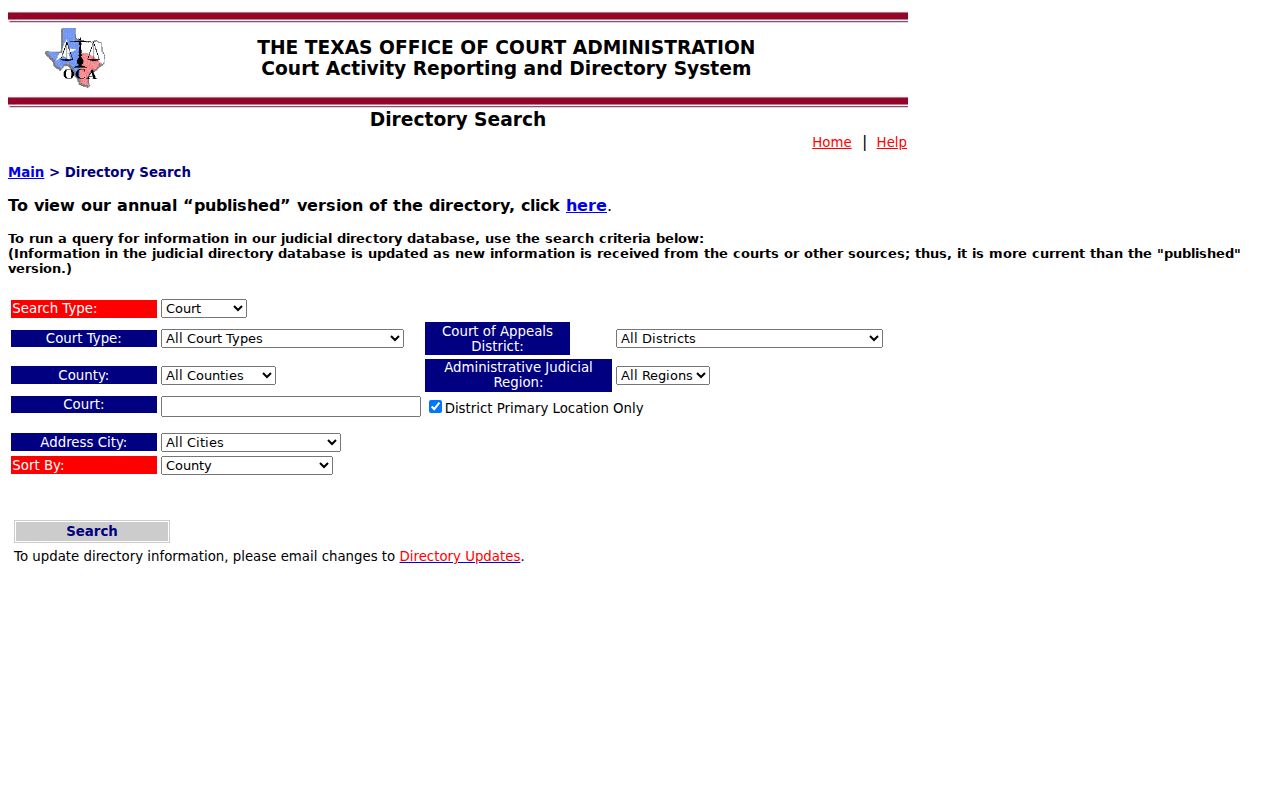
The filters route you toward a clerk or court in Collingsworth County. They do not search court files or verify active warrants.
What a Warrant Search Shows
Collingsworth County publishes no sample record or online status legend. These fields describe what a requester may ask the court to identify instead. A clerk may keep a warrant inside a case file or under a different process name, so request only the material your question needs.
| Issuing office | Which court or magistrate issued the process. |
|---|---|
| Document | Arrest warrant, search warrant, capias, capias pro fine, or related notice. |
| Dates | Issue, execution, return, or hearing dates when public and recorded. |
| Related case | Cause or citation reference attached to the court file. |
| Status record | Recall, service, payment, or docket notation from the issuing office. |
Collingsworth County Warrant Portal Has No Result to Read
The Texas Judicial Branch states plainly that it keeps no single statewide case-search portal. The Texas courts FAQ is the source for that limit and explains the clerk-by-clerk route. So a search page with court-directory fields is not a warrant database. An empty lookup on some unrelated service is not an official Collingsworth County answer either.
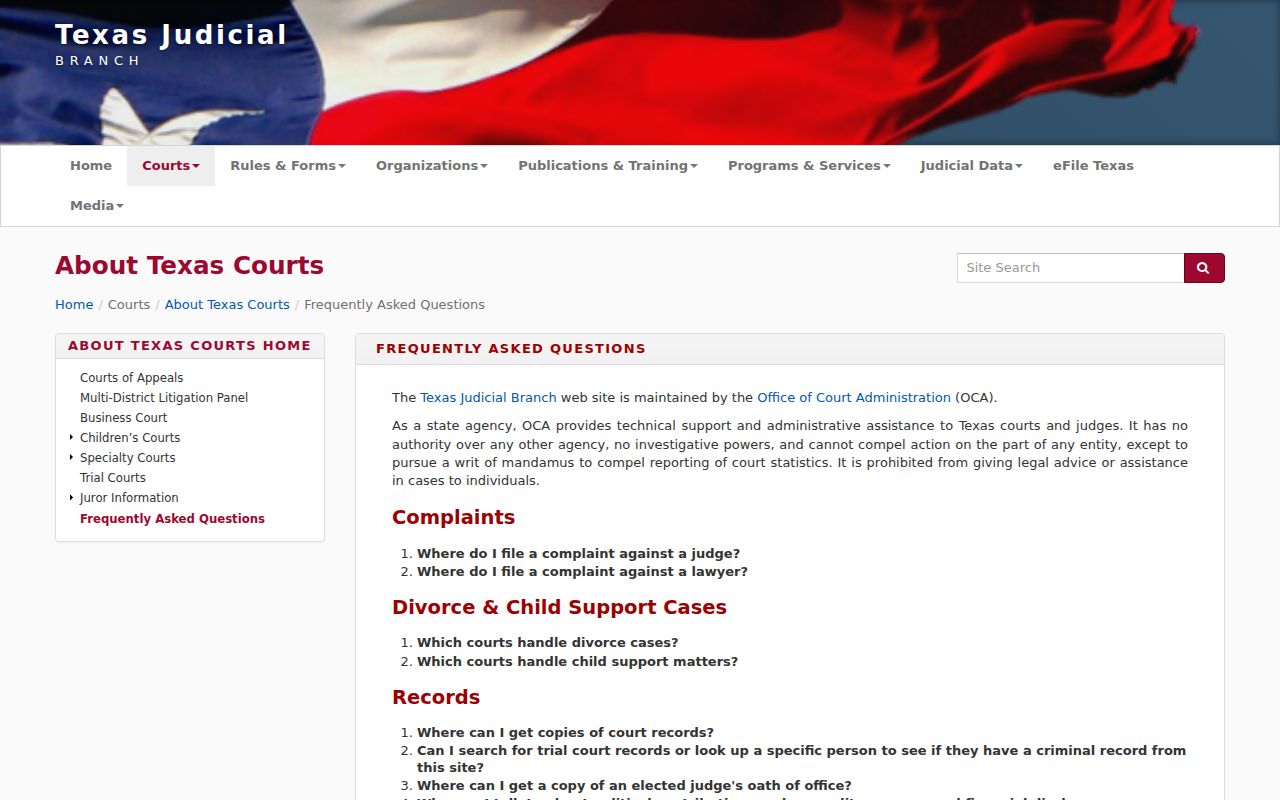
For a current answer, call the court named on the record. Verify separately with the Sheriff's Office if execution in Collingsworth County is the issue.
Where to Check Warrants in Collingsworth County
Warrant records in Collingsworth County sit with whichever court handled the case. District criminal files run through the District Clerk, while county-court matters start at County Court. Fine-only cases usually land with the countywide JP. City citations belong to the municipal court that issued them. The Sheriff's Office executes warrants and holds people in custody, so it answers those questions rather than doing each clerk's job. Ask the office that owns the file. A federal matter tied to the area follows the Northern District of Texas, Amarillo Division. PACER can show public docket entries, though sealed material stays hidden. If a driver-license hold is the worry, contact the court that reported the FTA or FTP, then follow DPS instructions on clearing it.
Collingsworth County Warrant Records Need a Narrow Request
For a sheriff-held record, ask where to send a Texas Public Information Act request. Name the office, document type, date range, and whether you want inspection or a copy. Ask for a fee estimate first. The Attorney General’s overview explains public inspection and copy requests.
The Texas Attorney General PIA overview describes the request route for public information. Collingsworth County does not publish a warrant-specific request form or copy fee.
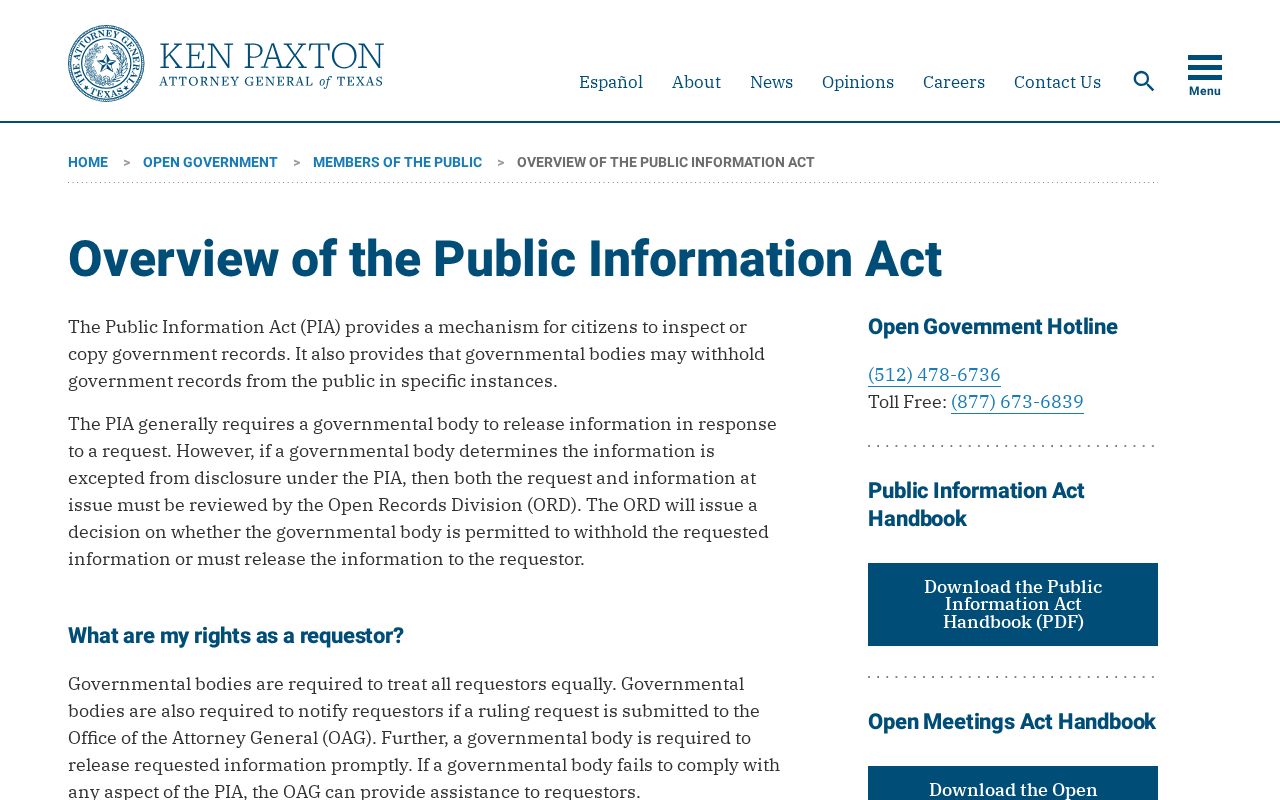
If the item is a court record, ask the clerk about the judicial-record process in Collingsworth County. Skip the generic county inbox.
Restricted Warrants and Access Rules
Texas draws sharp access lines. An arrest warrant and its supporting affidavit are public under Texas law, subject to other limits that apply. A search-warrant affidavit is different. It opens once the warrant is executed. A seal, a redaction rule, or an active-investigation exception can still change what Collingsworth County releases. Court records use Rule 12. That rule sits apart from the Texas Public Information Act, and if a Collingsworth County clerk withholds material, ask for the releasable portion and the basis. The Texas Judicial Branch spells out the Rule 12 judicial-record request on its open-records page. That route reaches court files, not an online warrant lookup.
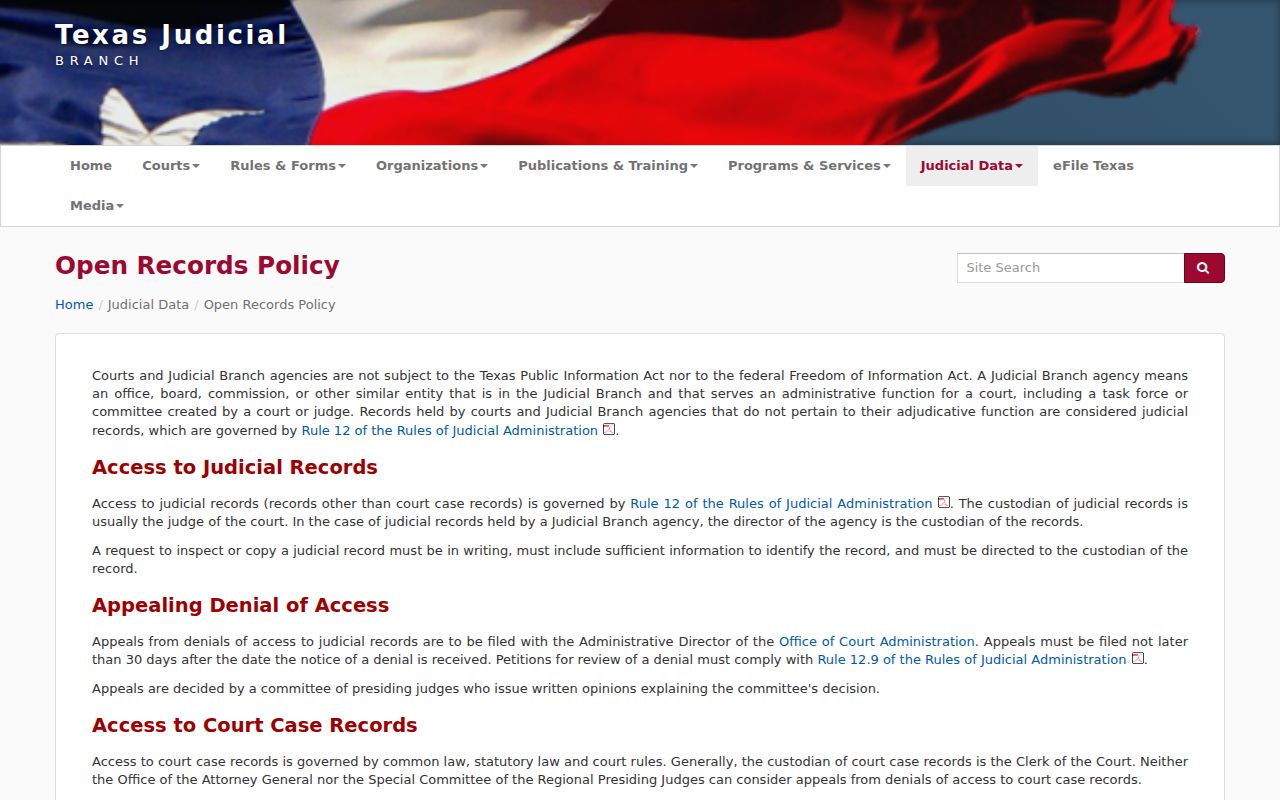
Send any request to the clerk or the court that holds the Collingsworth County case. The OCA directory does not hold local files.
Collingsworth County Warrant Checks Have Separate Routes
Each database answers a different question. VINELink covers custody status and notification. DPS reports a failure to appear or pay that can affect license renewal. PACER pulls federal court dockets. None is a full Collingsworth County warrant list. For a traffic matter, ask the reporting court whether it issued a warrant and whether it sent a separate DPS clearance. An online record can lag behind an order, and a court may write “capias” where you expect “bench warrant.” If a name shows on one record but not another, ask each relevant office what it can confirm, and keep the answer for your files.